Have any question?
Text or Call (954) 573-1300

Text or Call (954) 573-1300


What do you do with your old email messages? Do they just sit around in your inbox and collect dust? If so, this is certainly a wasteful practice, as those emails can accrue over time and take up a sizable chunk of space. The question then becomes, what do you do with the emails to keep them from taking up so much space, especially when you might be paying for the space?

What kinds of communication tools does your business utilize on a daily basis? Chances are that your communication infrastructure can benefit from some of the latest and greatest solutions on the market. Communication is one aspect of your business that you definitely do not want to skimp on, as failing to implement the proper tools can bleed into other aspects of your organization, including operations and, in return, your bottom line.
Like any email platform, Microsoft Outlook can easily become overwhelmed with messages and conversations—effectively making it counterproductive rather than an asset to you and your team. Let’s take a few moments to go over a simple way that you can use Outlook’s internal tools to make your messages easier to deal with.

Email—it’s a business tool that we all use and rely on, but (if we’re being honest) it can be a pain to manage properly. Unfortunately, this can also depreciate the value of the solution to its users. To help prevent these problems, we wanted to share a few tips to assist you with your email management.
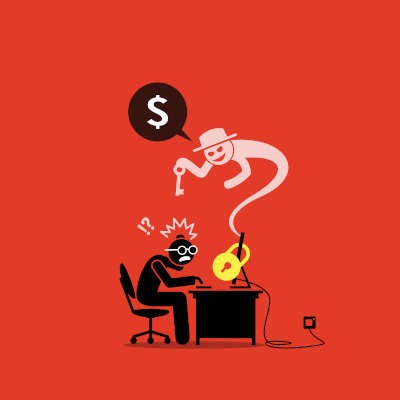
For the past several years, ransomware has been a major thorn in the sides of businesses. Hackers that were once known for “hacking” into networks, changed tactics when encryption just got too strong. Today, these “hackers” use confidence tactics to gain access to accounts. Once they’re in, their strongest tool is ransomware. Let’s look at what makes ransomware so dangerous and how your company can combat the constant attacks that come your way.

Every business should consider its security one of its top priorities, and with so much business now happening digitally, cybersecurity is a major part of that. Take, for instance, the heightened importance of email in the extended remote workforce. While email is a great business tool, it can also be an avenue that a cybercriminal uses to attack. So that you can better protect your business, we’re discussing some basic email security steps for this week’s tip.
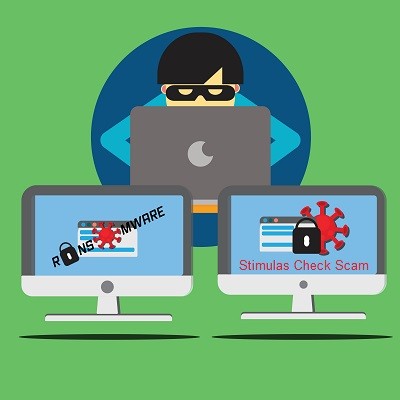
Since the beginning of the COVID-19 situation in March, creating a vaccine has been a major priority. True to form, hackers have begun targeting the very organizations responsible for the vaccine trials. There’s a lesson to be learned, today we’ll discuss it.

Phishing emails are a real problem for today’s businesses, which makes it critically important that you and your team can identify them as they come in. Let’s touch on a few reliable indicators that a message isn’t a legitimate one.

A strong email solution can bring a great deal of continuity to a business. If it is mismanaged, however, it can quickly become a major pain point. Today, we thought we would go over a couple of ways that you can use your email platform to boost productivity, rather than waste time with it.

Emails are a wonderfully useful solution, and quite possibly one of the most commonly used ones in the workplace today. However, not everyone is using every capability that their email solutions offer - and it has led to a lot of time being wasted in the workplace. For this week’s tip, we’ll review how to help cut back on the time spent organizing your emails.
Gmail and the applications associated with it seem to have some level of inherent trust among users. We just don’t anticipate threats to come in via something from Google. However, it does happen, as a recent spat of phishing has shown using Gmail and Google Calendar. What’s worse, this particular scam has been around for some time.

Email is one of modern society’s best ways of staying in contact on both a business and personal level, but only if you’re effectively utilizing it. We’ll help you implement best practices and other methods to get the maximum benefit of your chosen email solution.

Email is a core component to many businesses. With 124.5 billion business emails being sent and received each day, that doesn’t seem to be in danger of ending. Are the emails that are coming and going from your business secure? That may be another story, altogether. In order to keep your email security at a premium, we have outlined the following tips:

Quick question for you: how many email accounts do you have? How many do you have to regularly check? How many different platforms do they utilize? If there’s too many, important communications are easy to miss in the ensuing mess of messages. Fortunately, there are a few ways that this can be avoided, which we’ll review for this week’s tip.
The cloud helps many organizations expand their territories beyond simply the physical workplace. Employees can now access data and applications on any connected device. Your office can benefit considerably from cloud-based resources, with email in particular being a standout solution for the cloud.
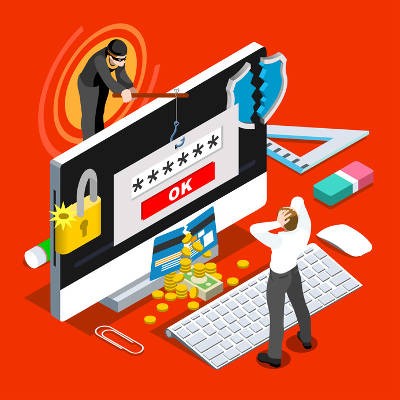
Spam is a major hindrance when running a business that relies on email, but it’s easy to protect your employee’s time from the average spam messages with the right technological support. Unfortunately, hackers have adapted to this change and made it more difficult to identify scam emails. More specifically, they have turned to customizing their spam messages to hit specific individuals within organizations.

Email is a particular favorite attack vector of many who would do wrong by your business, as it is easily one of the most used communications in most businesses today. Do your employees know how large of a responsibility they have to your business’ security just by using email? In order to prevent unfortunate security blunders, you need to make sure you and your employees know a few best practices when it comes to handling email securely.

Communication solutions for business are changing rapidly, and most of the new solutions go a long way toward using existing technologies that allow these organizations to save money and get more for the services they already pay for.

Communication is one of the most important parts of running an organization, and this is especially true for smaller organizations that need to work closely in order to make progress. Today’s collaborative workplace is dependent on people understanding a unified message and working to succeed in that endeavor. To this end, a unified communications strategy can be extremely helpful.

Email is a modern classic as far as business solutions are concerned, and you’d be hard-pressed to find an office that didn’t use it in some capacity or another. However, because email is so popular, it has become a favorite attack vector of malicious users. Fortunately, there are some basic practices that will help keep your email account secure and your communications private.
Learn more about what L7 Solutions can do for your business.
L7 Solutions
7890 Peters Road Building G102,
Plantation, Florida 33324